Free
$0 forever
The household budget, with bills and goals.
- Monthly plan by category or by person
- Bills that tick themselves off
- Savings goals with a real finish date
- Reports, rules and encryption
- File import (CSV, OFX, QFX) from any bank
Bookkeeping & budgeting, on your own computer
A household budget that's free for good. Yearly plans add bank sync, your business and tax prep. Stop paying and your books, and everything you've unlocked, keep working.
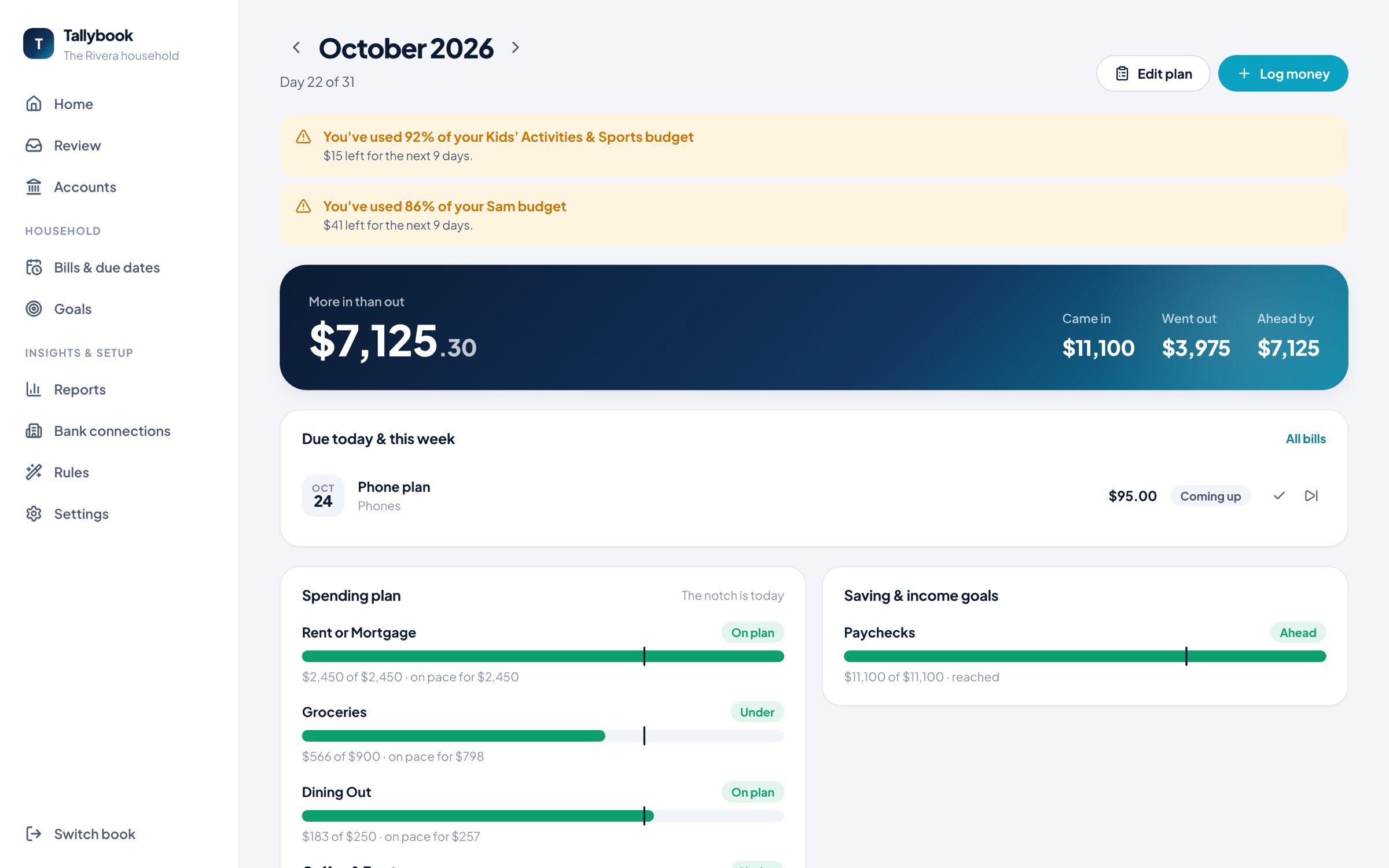
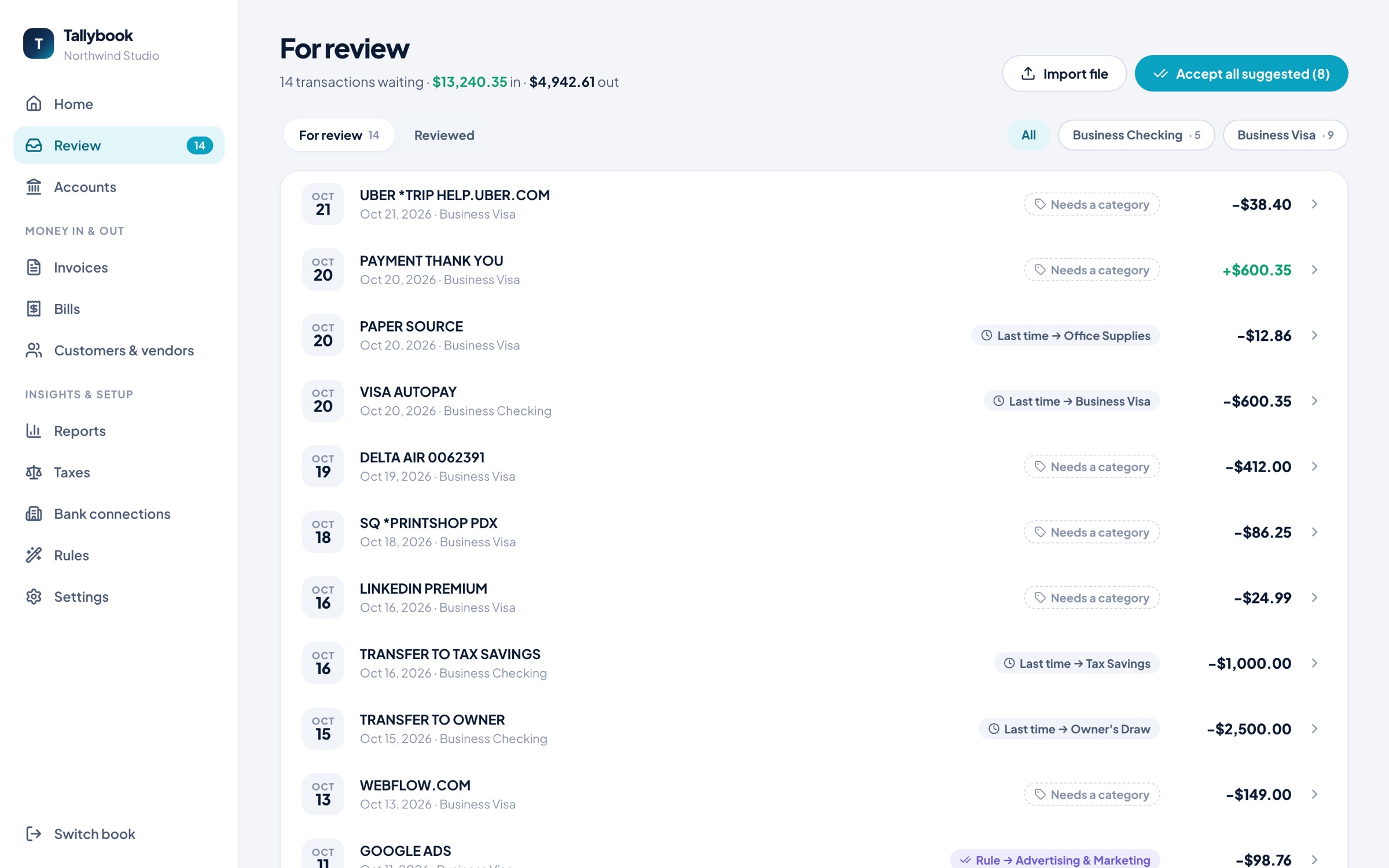
Plan each month by category, by person, or both. Every line has a meter that knows how far into the month you are, so rent paid on the 1st isn't overspending and a slow start isn't a false alarm.
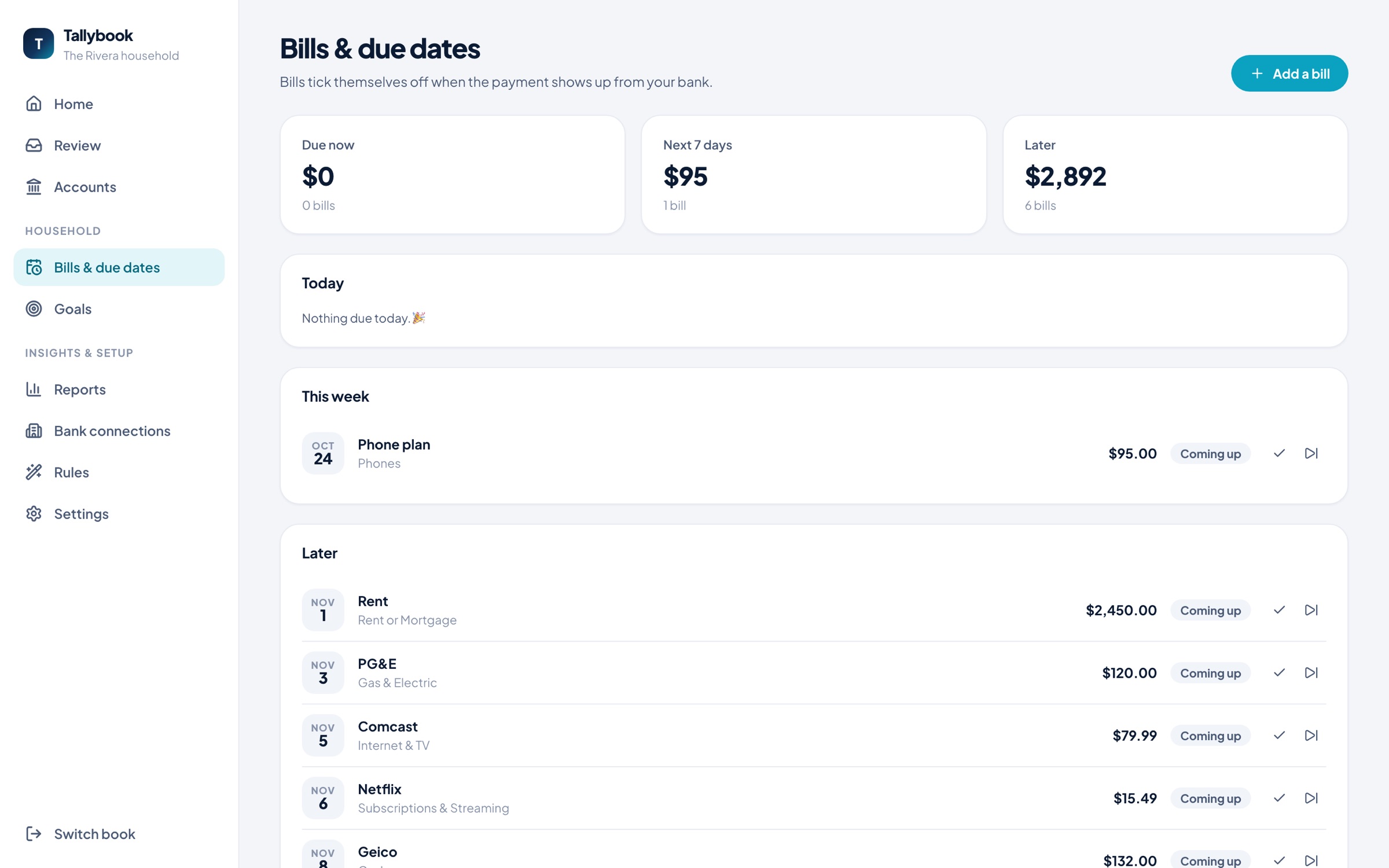
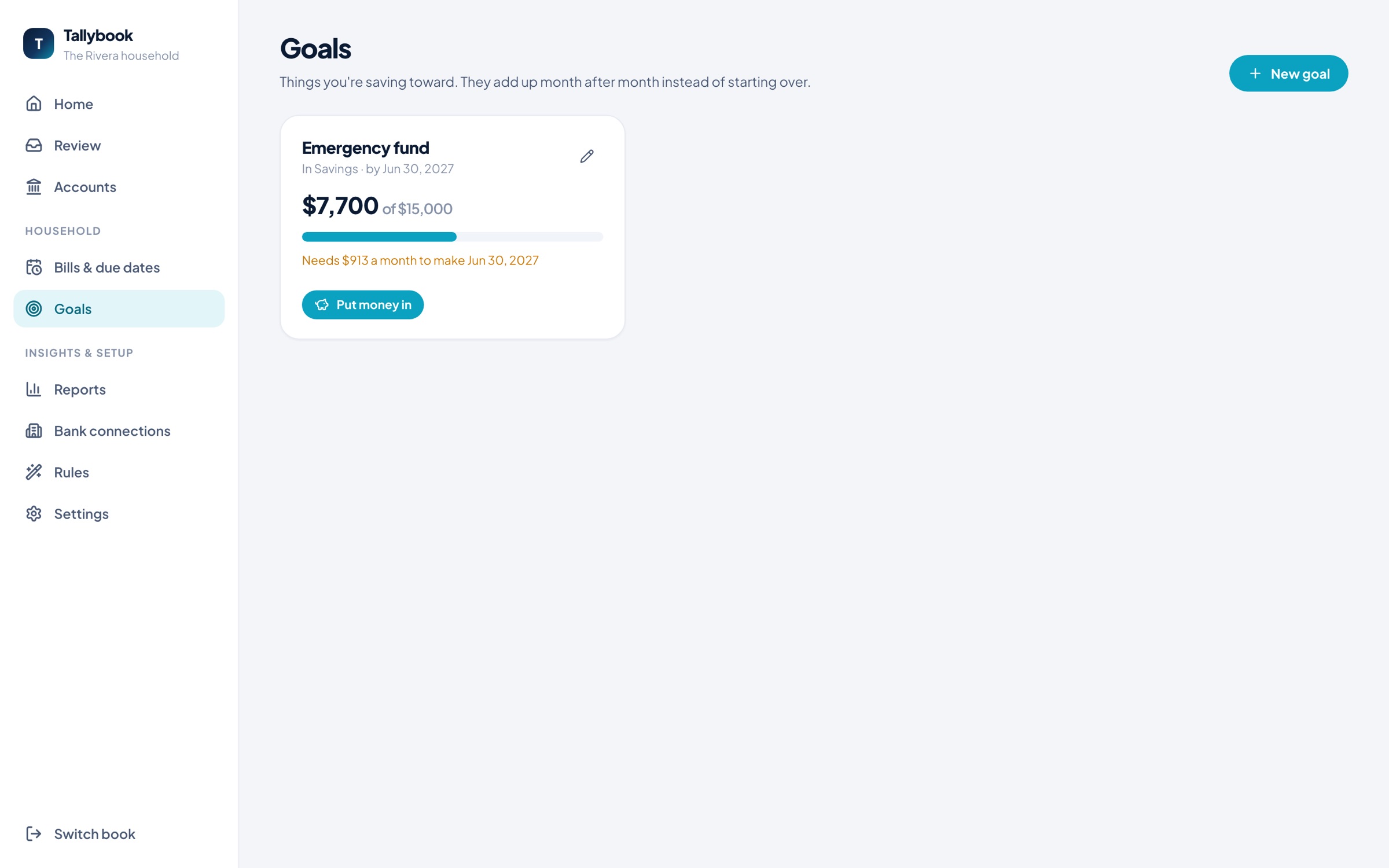
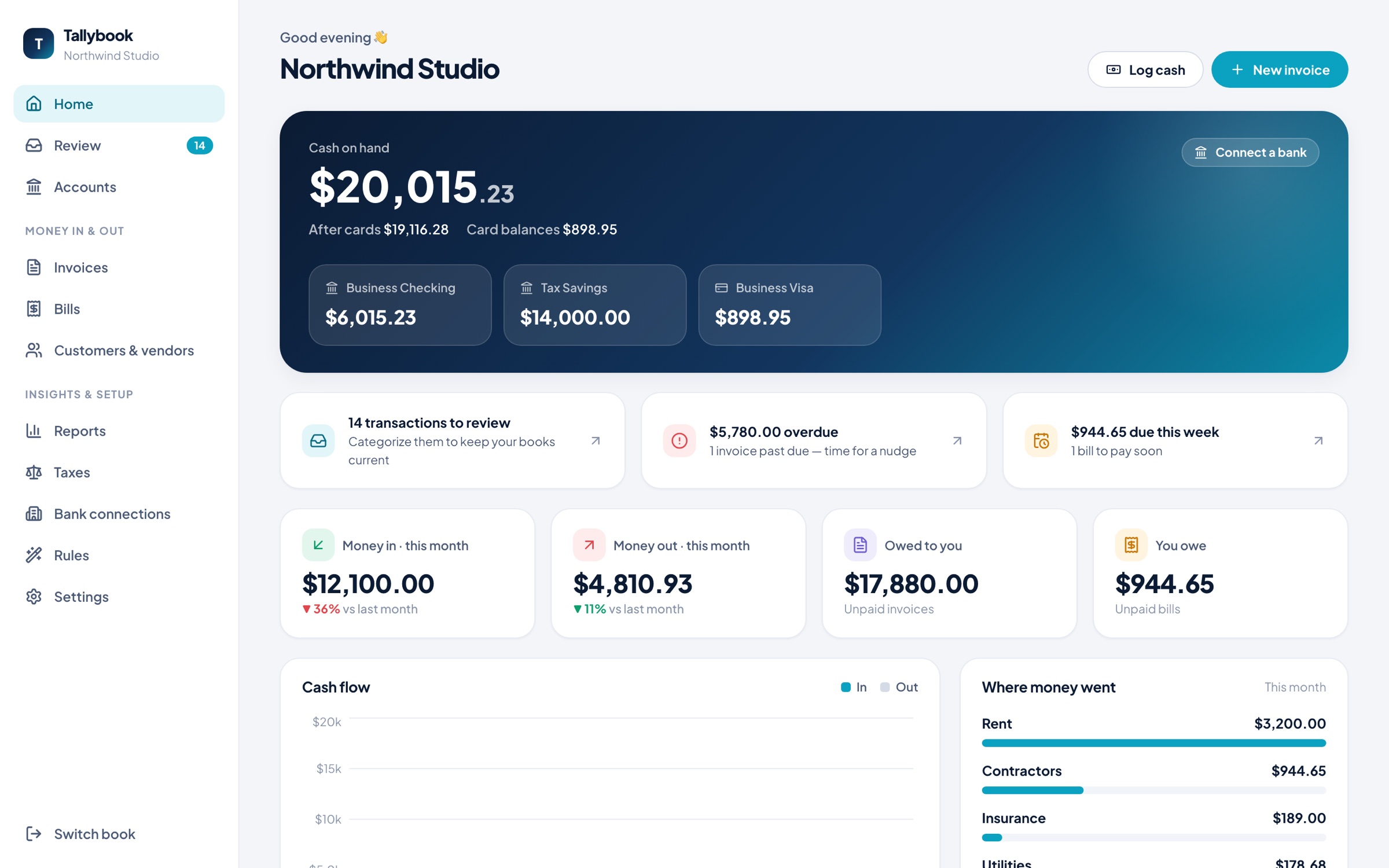
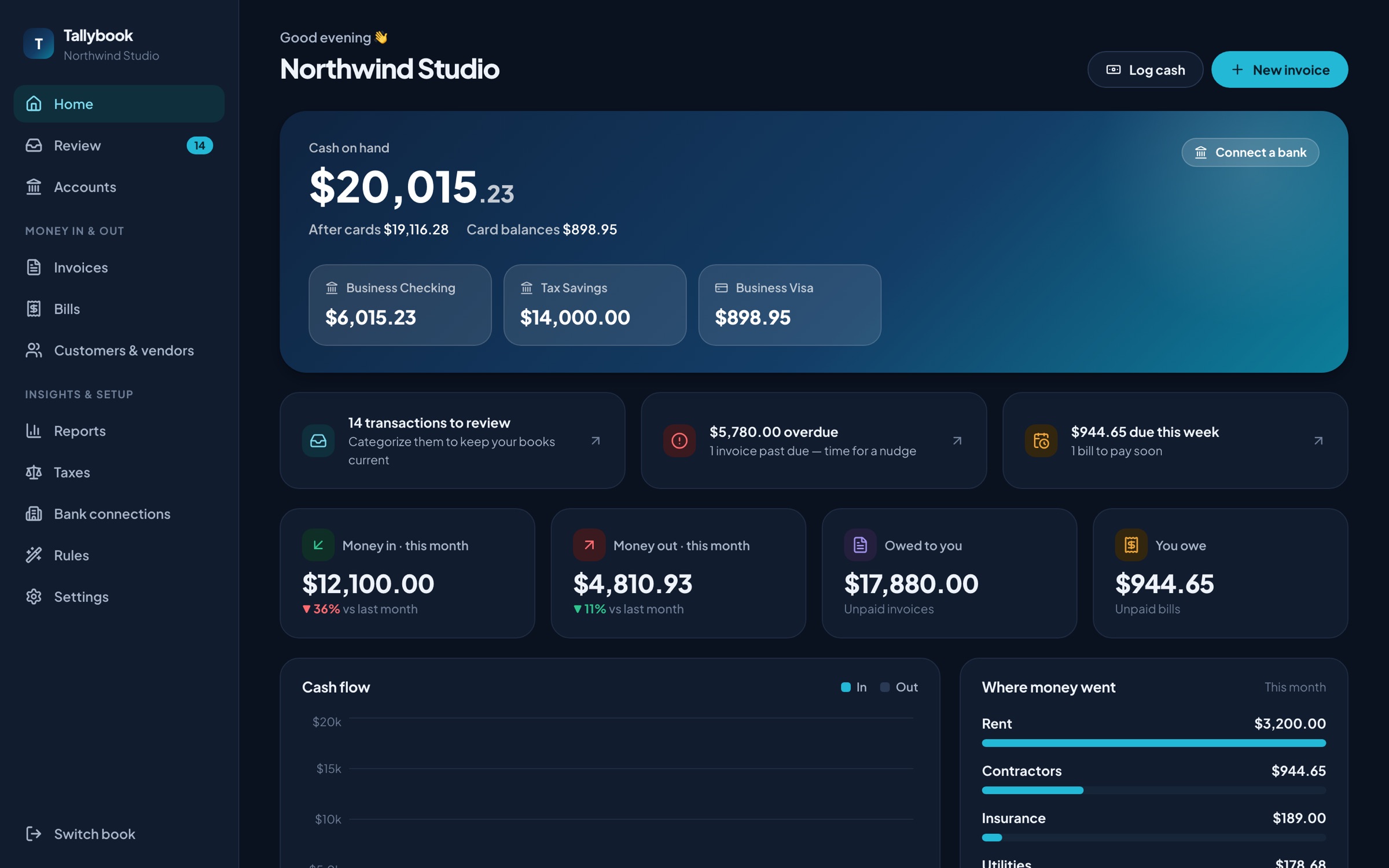
Underneath it's proper double-entry accounting your accountant will recognize. On screen it says "Money in," "Owed to you," and "Where did this go?"
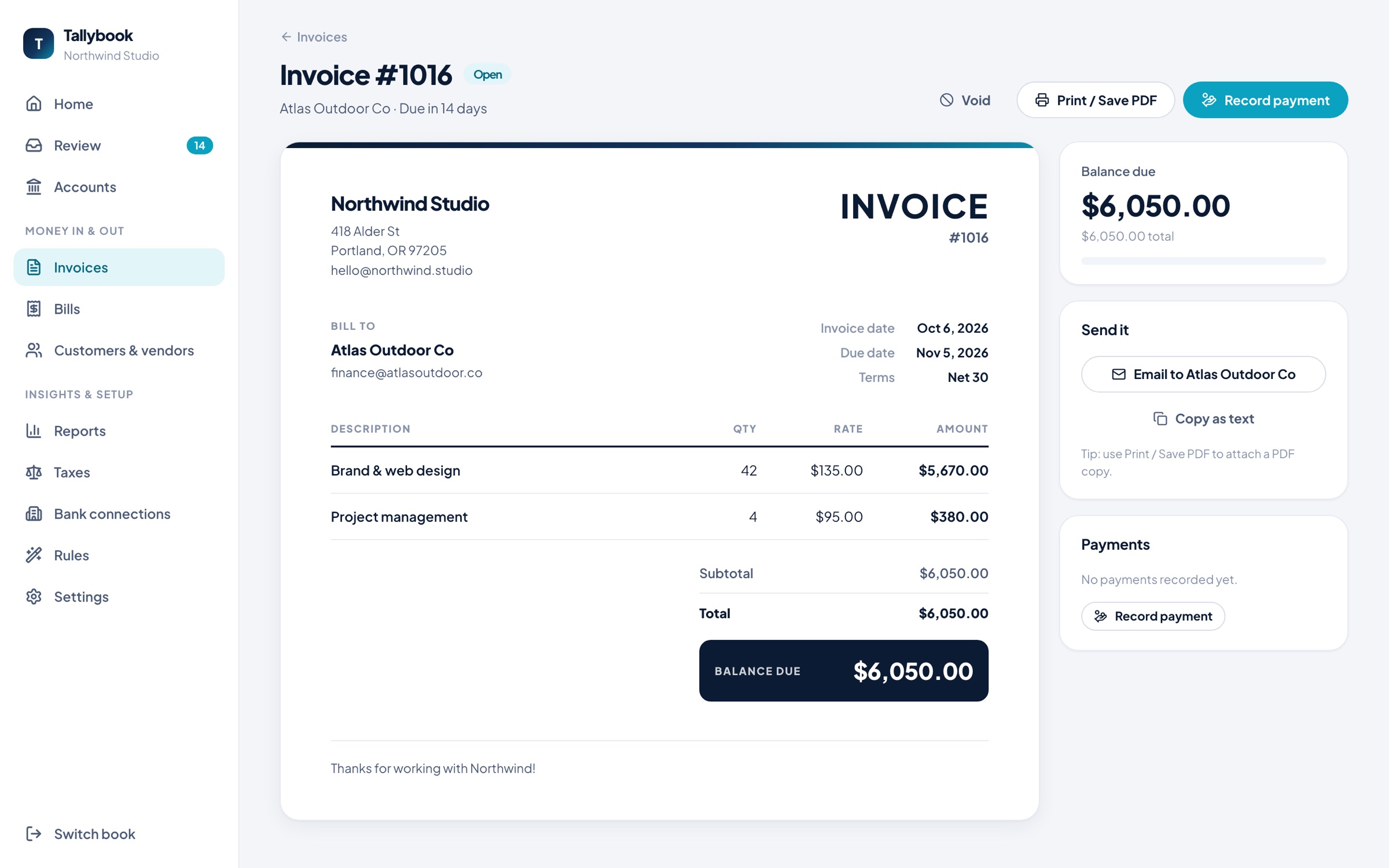
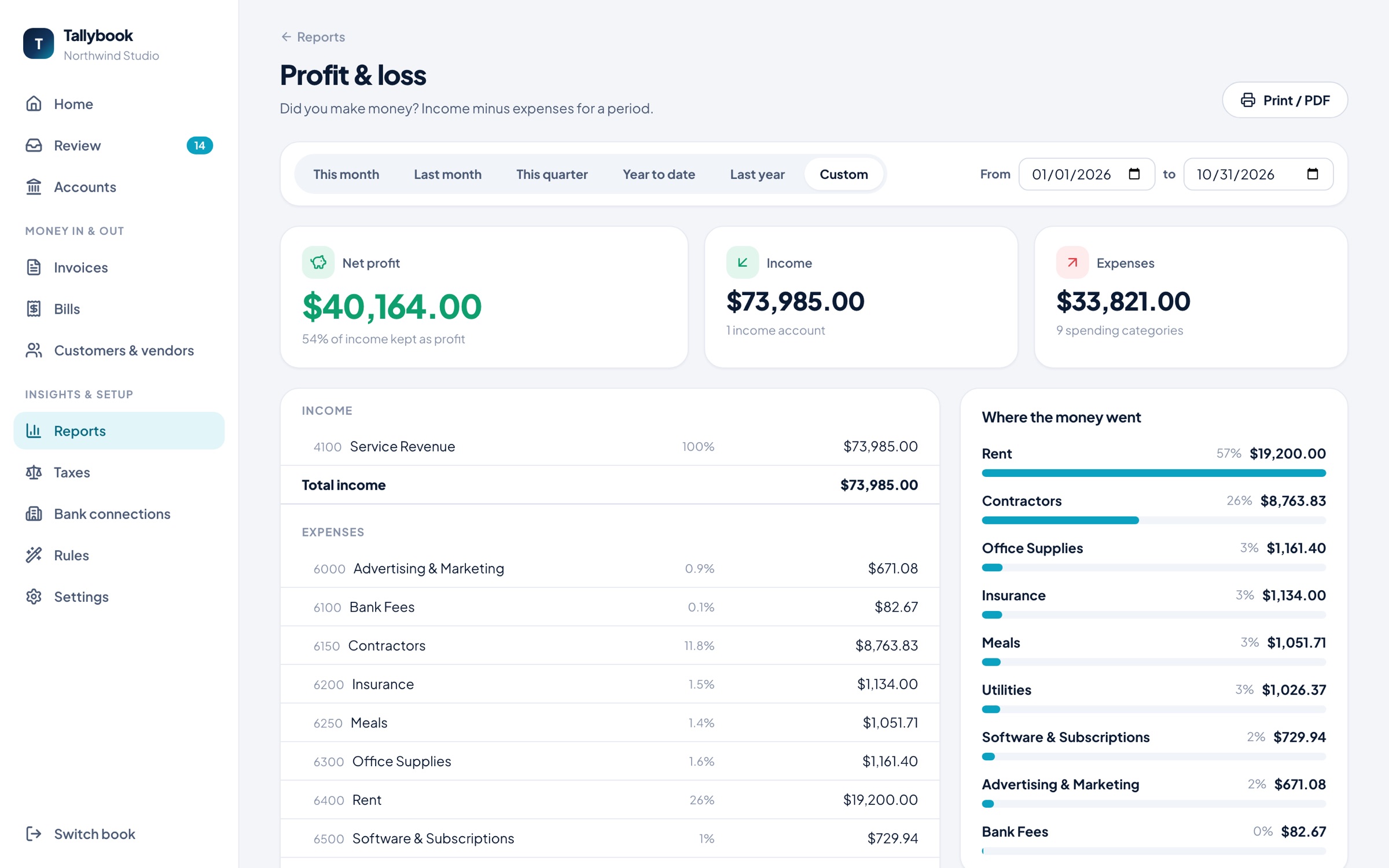
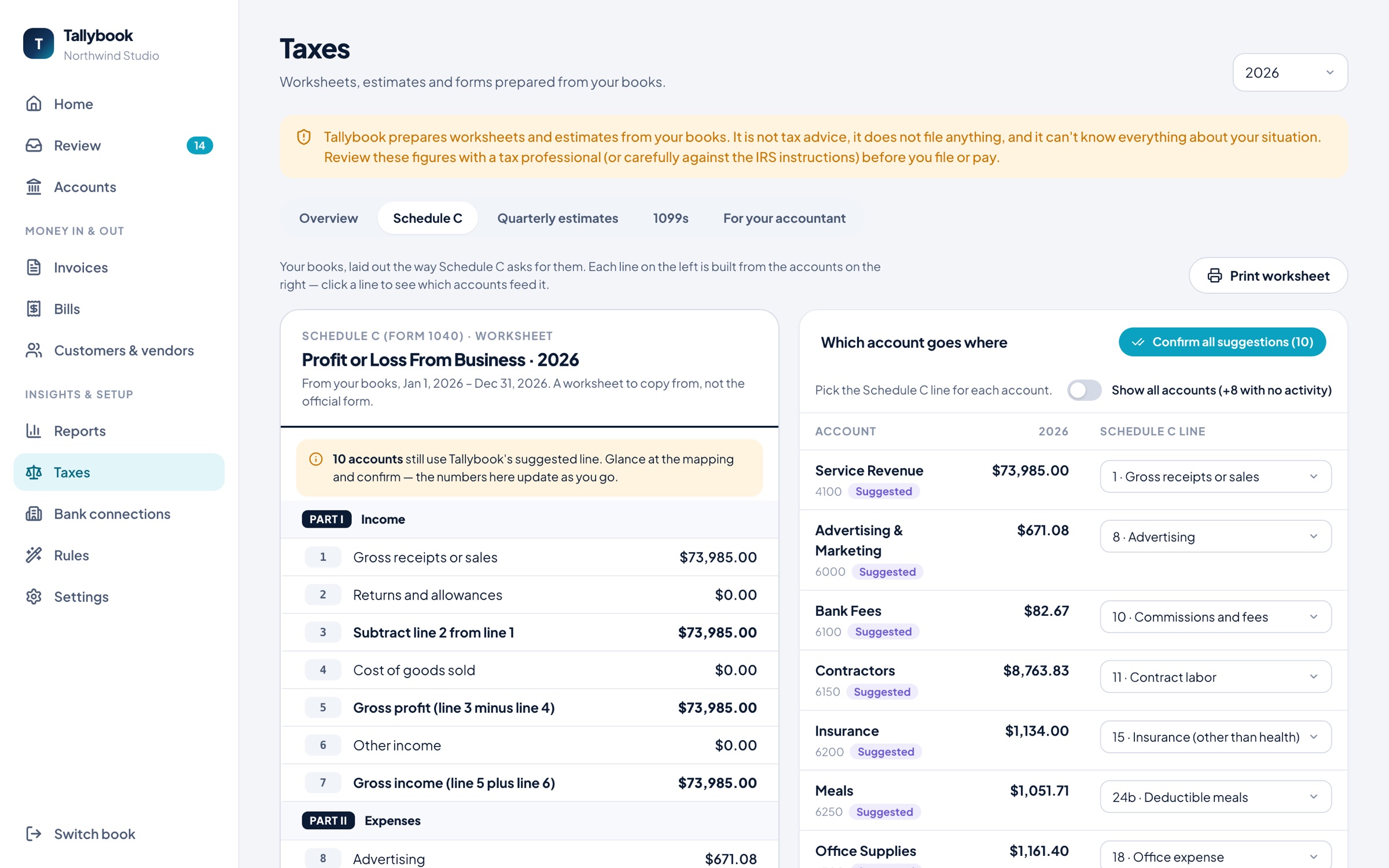
For sole proprietors and single-member LLCs. Built from your books, so every number traces back to a transaction.
Tallybook prepares worksheets and estimates. It isn't tax advice and never files anything for you.
A single .tallybook file. Copy it, back it up, or hand it to your accountant.
The key lives in your system keychain, plus a recovery key you keep. Without it, the file is unreadable.
To iCloud Drive, Dropbox, Google Drive, OneDrive or a Git repository. Only encrypted copies ever leave.
Your bank password goes only to Plaid's sign-in page. Tallybook never sees it, and your transactions pass straight to your computer without being stored.
Start free with your household. Add a plan when you want bank sync, a business side or tax prep. If you stop, everything you unlocked stays, except bank sync and phone sync.
$0 forever
The household budget, with bills and goals.
$20 a year
Everything in Free, plus your bank, connected.
$49 a year
Everything in Personal, plus real bookkeeping.
$75 a year
Everything in Business, plus tax prep built from your books.
Every paid plan is a yearly subscription that renews until you cancel. Not right for you? Ask within 30 days of a purchase or renewal for a full refund. If a plan ends, everything it unlocked keeps working except bank sync and phone sync. The business side stays, tax prep stays open for the years you paid for, and your books are never locked. Read and export always work. Paste your key into Tallybook once and it unlocks.
Yes, for good. Budgets, bills, goals, reports, encryption and file import (CSV, OFX, QFX) from any bank cost nothing and never expire. You pay only if you want bank sync, a business side, or tax prep.
The paid plans are, yes. Personal ($20), Business ($49) and Business + Tax ($75) are yearly subscriptions that renew until you cancel, and each includes the ones below it. The free household budget never expires. Here is what happens if you stop paying: everything the plan unlocked keeps working, except bank sync and phone sync. The business side stays. Tax prep stays open for the tax years you already paid for. Your books are never locked, and you can always read and export them.
It comes with Personal, $20 a year, and every plan above it. That covers most US banks and cards, through Plaid. We set it up, so you don't need your own keys or an account anywhere else. You just sign in to your bank. Without a paid plan you can still import CSV, OFX and QFX files for free.
No. You type it into Plaid's own sign-in page, and it goes nowhere else. Tallybook, and the small service we run for bank sync, never see it.
No. Your books stay in a file on your computer. Bank sync runs through Tallybook Connect, a small service we run. It passes your transactions straight to your computer and doesn't store them. It keeps, encrypted, only the bank access token and your license key, so it can disconnect your banks when a plan ends. How bank sync works.
No. There's nothing to sign up for, no email and no password. Your books live in a single file on your computer. When you buy a plan you get a license key by email. Paste it into Settings → License to unlock your plan. A key isn't an account.
In one .tallybook file on your computer, in Documents/Tallybook unless you pick somewhere else. Turn on encryption and the file is unreadable without your key. Cloud copies are only ever sent encrypted, to a folder or Git repository you choose.
Download Tallybook, make a book, and bring in a few months of bank history. Add your business whenever you're ready.