Help · Run the business
Customers & vendors
Keep the people you bill and the people you pay in one list, and see where each one stands.
Customers & vendors lists everyone you sell to or buy from, with what they owe you or what you owe them. Filter by All, Customers or Vendors.
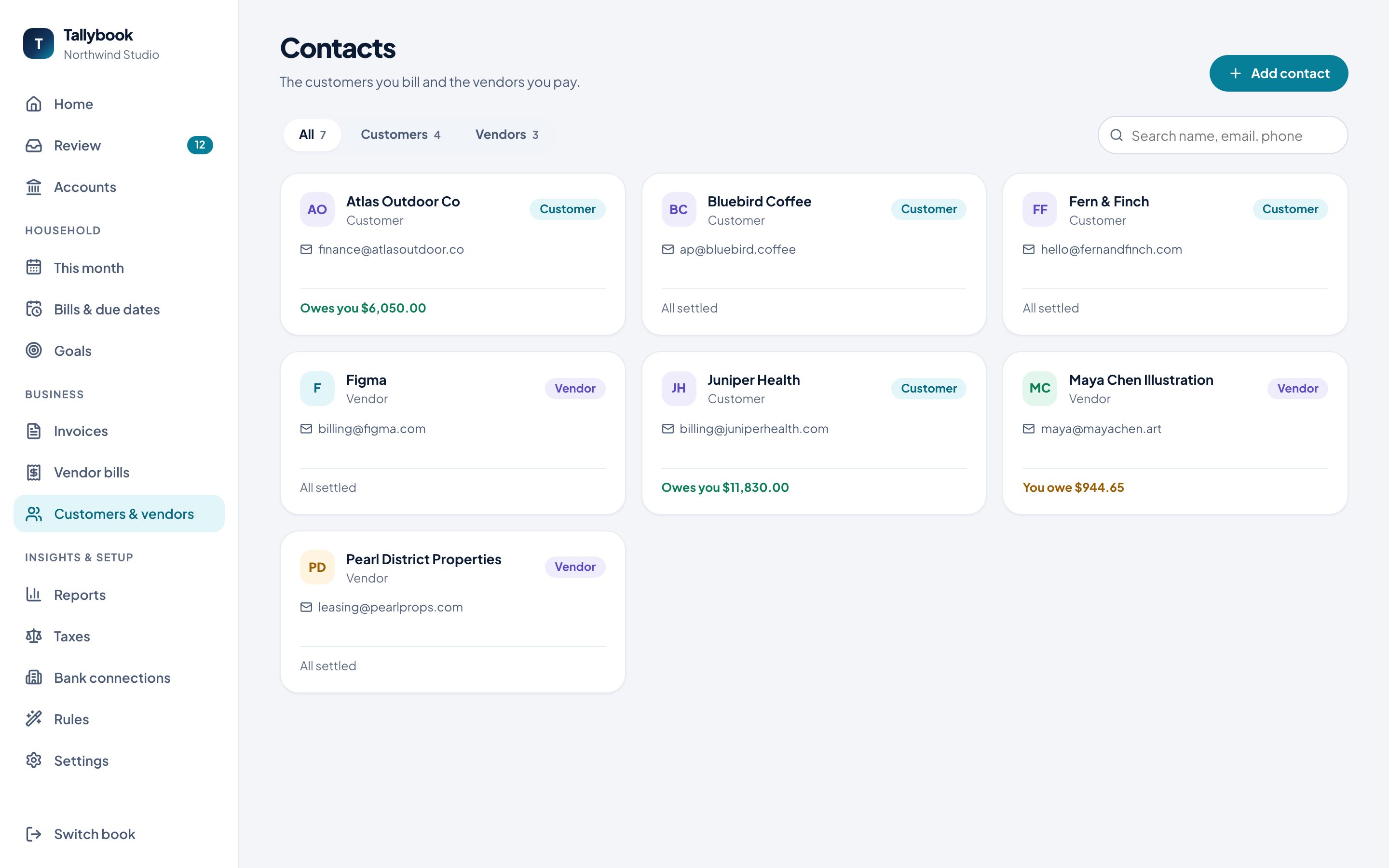
Add a contact
- Click Add contact.
- Choose what they are: a Customer (pays you), a Vendor (you pay them), or Both.
- Enter a Name, and optionally a Company, Email, Phone and Address.
- Notes are only for you.
- Click Add contact.
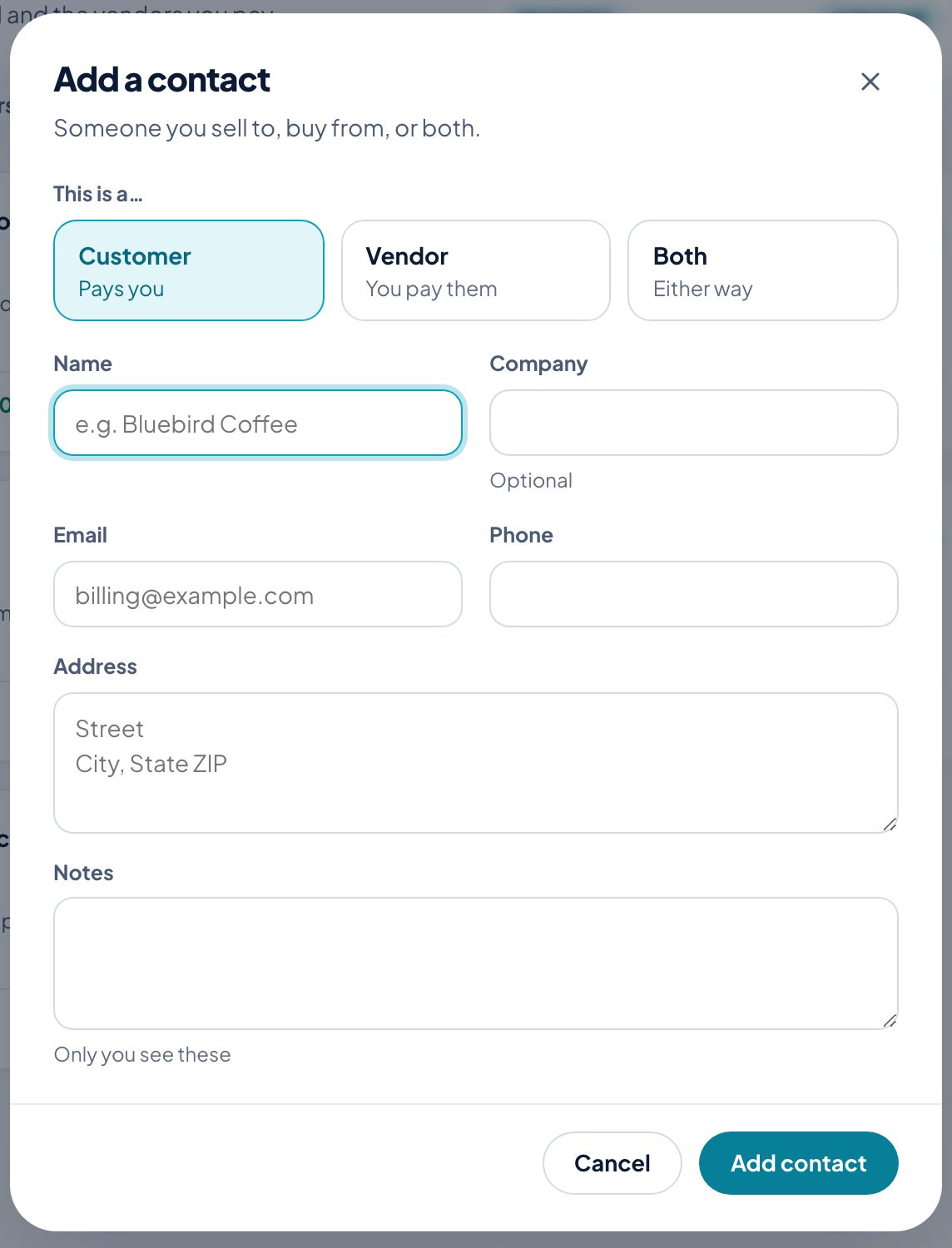
You can also add a customer or vendor on the spot while writing an invoice or entering a bill.
A contact’s page
Click a contact to see their details, and their invoices with each one’s status. From there:
- New invoice starts an invoice for them.
- Edit changes their details.
- Archive puts away someone you no longer work with.