Help · Run the business
Log cash and journal entries
Record cash, checks and anything your bank feed won't see, and add or adjust accounts.
Most money comes in through bank sync or an imported statement. For everything else there are two ways to record it yourself.
Log cash
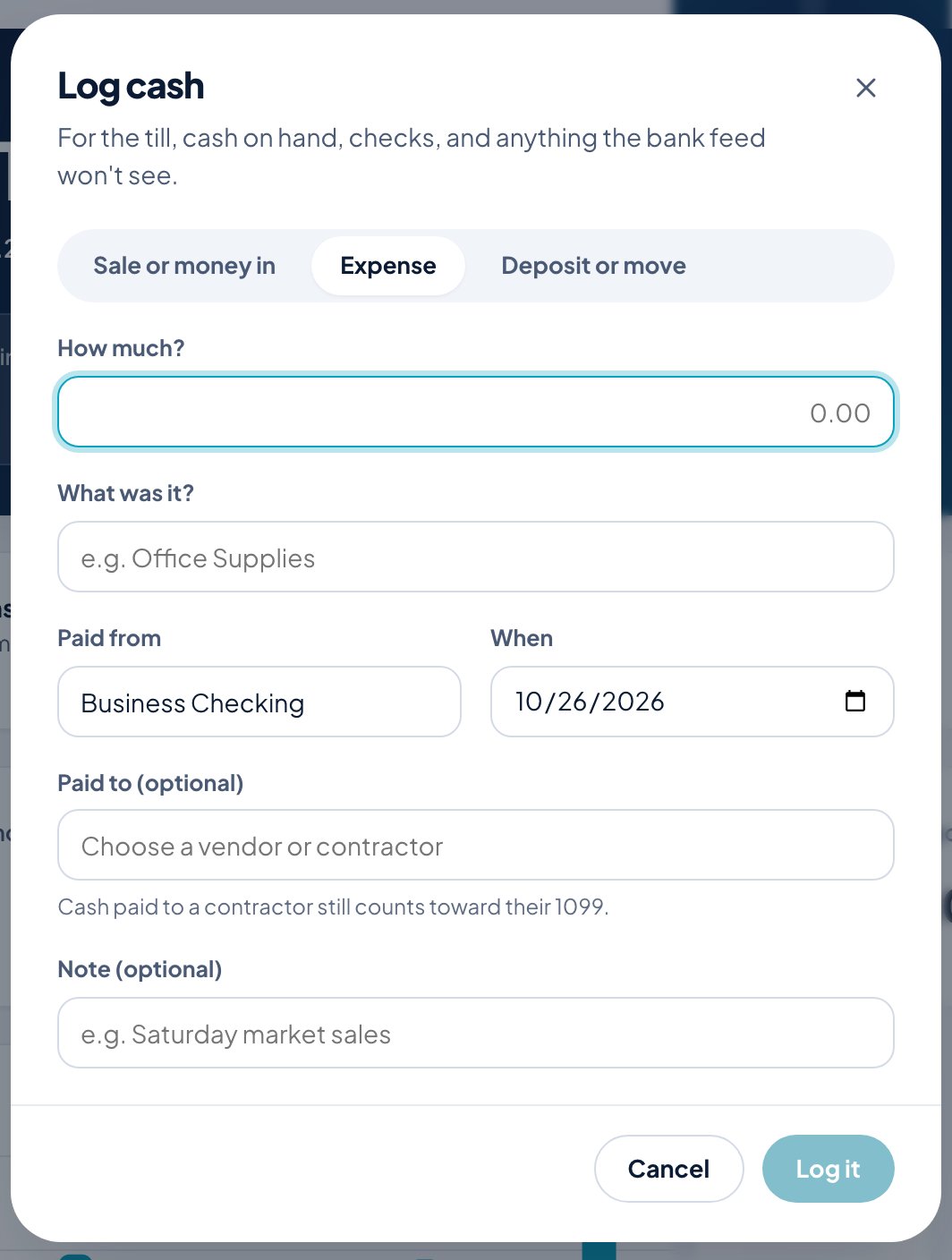
Log cash, on Home, is for the till, cash on hand, checks, and anything the bank feed won’t see.
- Choose what happened: Sale or money in, Expense, or Deposit or move.
- Enter How much? and What was it? (the category).
- Choose the account it was Paid from (or paid into) and When.
- Optionally choose who it was Paid to. Cash paid to a contractor still counts toward their 1099.
- Add a Note if you like, and click Log it.
Record a transaction or journal entry
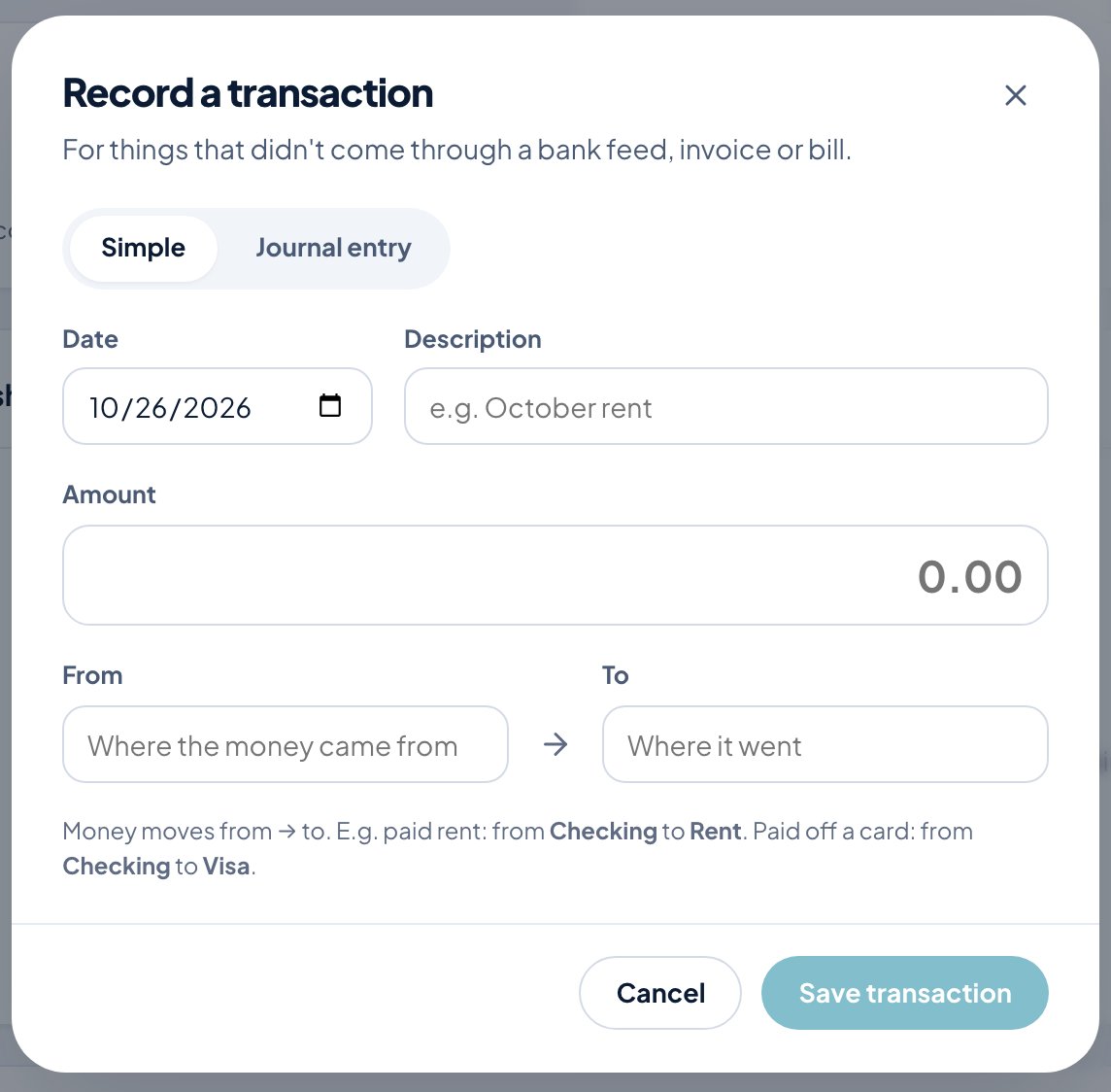
Accounts → New journal entry is for things that didn’t come through a bank feed, invoice or bill.
- Simple asks for a date, description and amount, and which account the money moved from and to. For example, paying rent moves money from Checking to Rent; paying off a card moves it from Checking to Visa.
- Journal entry is full double-entry: a line per account with a debit or credit and a line memo. Debits must equal credits. Use it for adjustments your accountant asks for.
Accounts
Accounts lists every place money lives, comes from or goes to, with switches for the Household and Business sides. The cards at the top total your Cash & bank, Cards & loans and Net worth.
Add account adds one. Choose which side of the book it’s on (Business or Household), give it a name, and pick what kind it is: bank, credit card, loan, asset, equity, income or expense. A bank account can start with an Opening balance as of a date. The account number is optional, a short code like 1020 to sort your chart.
Click an account to open it.