Help · Settings and more
Settings
Your business details, both sides of the book, your license, invoice defaults, closing the books, encryption, backups and updates.
Settings keeps everything about the book in one place. Pick a topic from the list on the left.
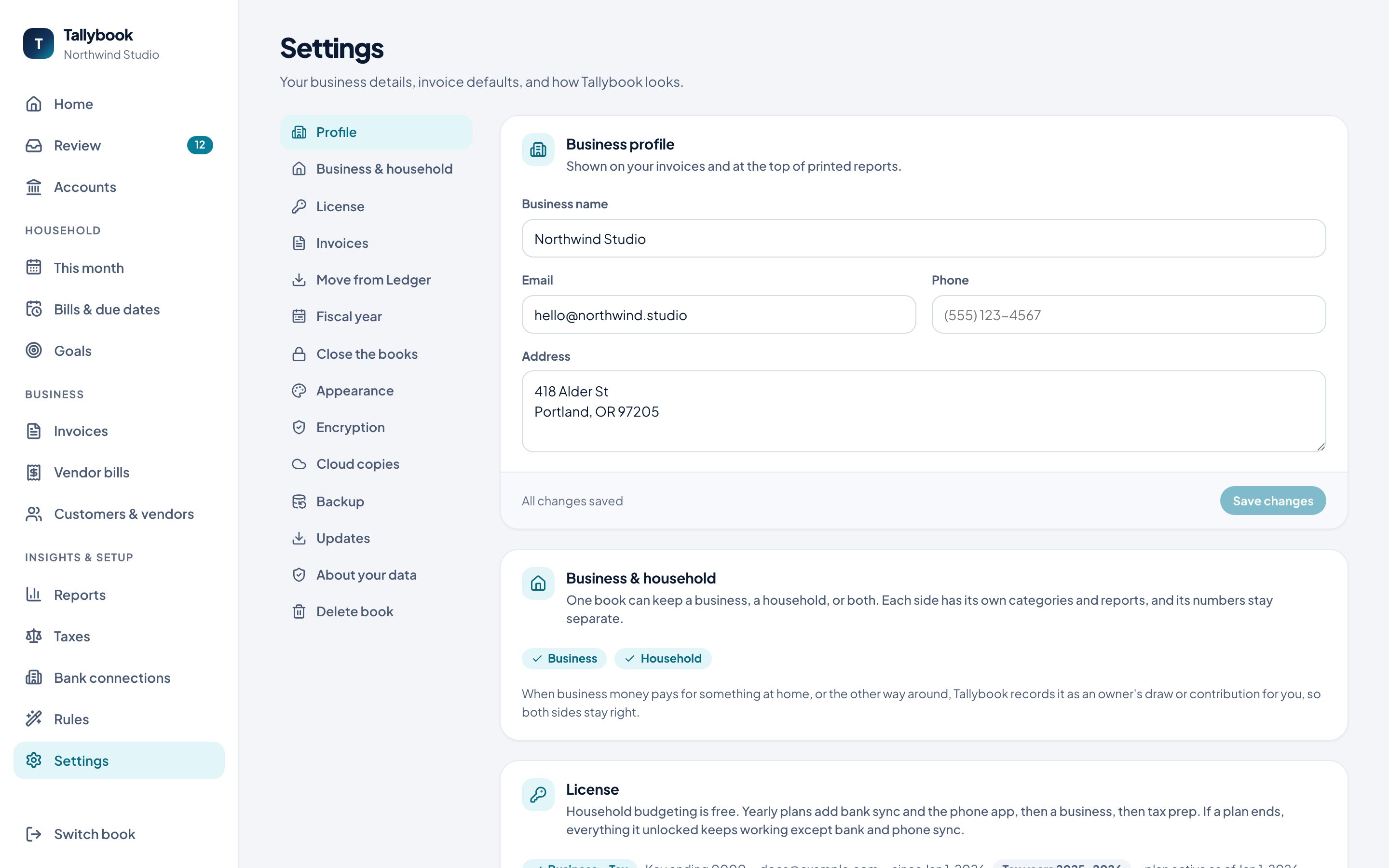
Profile
Your business name, email, phone and address, shown on your invoices and at the top of printed reports.
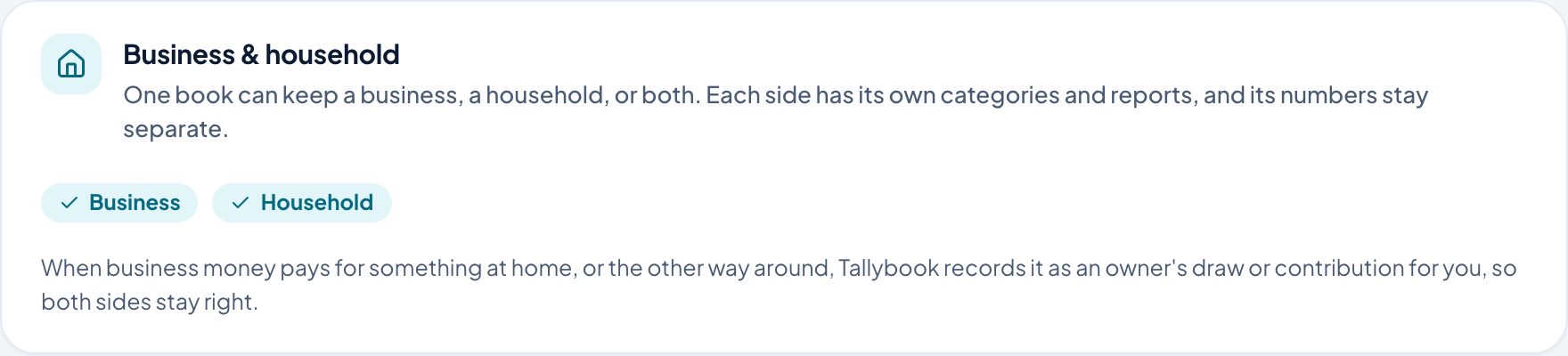
Business and household
One book can keep a business, a household, or both. Each side has its own categories and reports, and its numbers stay separate. Turn a side on here.
When business money pays for something at home, or the other way around, Tallybook records it as an owner’s draw or contribution for you, so both sides stay right.
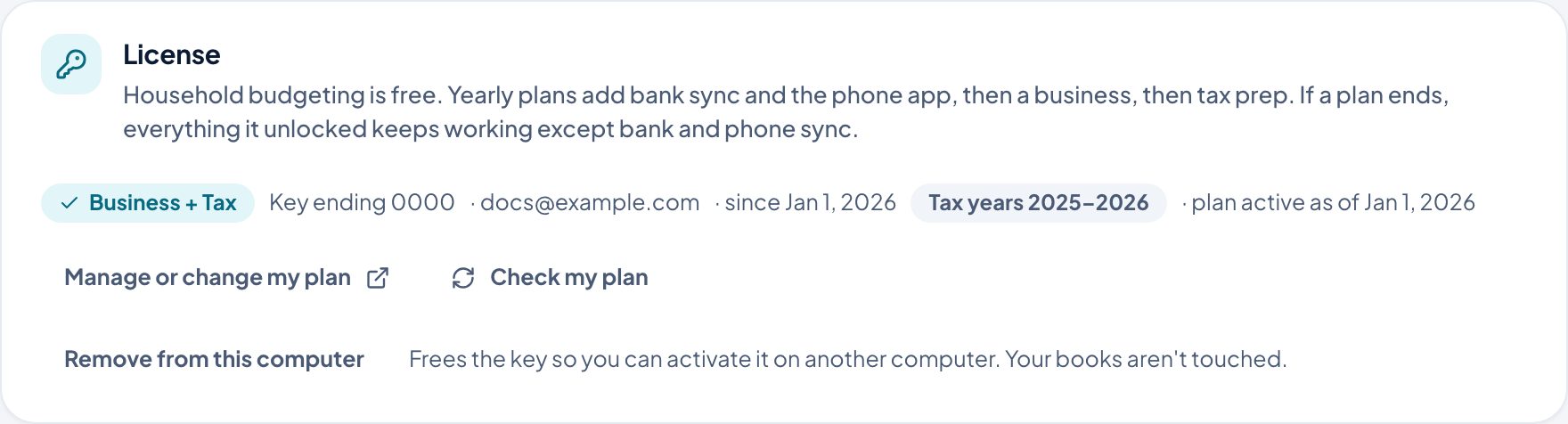
License
Household budgeting is free. Yearly plans add bank sync and the phone app, then a business, then tax prep. If a plan ends, everything it unlocked keeps working except bank and phone sync. See pricing.
- Manage or change my plan and Check my plan do what they say.
- Remove from this computer frees the key so you can activate it on another computer. Your books aren’t touched.
Invoices
Defaults for new invoices: the next invoice number, payment terms, a default sales tax rate, and a footer message printed on every invoice. You can still change any of them on a single invoice.
Move from Ledger
Brings people, entries, monthly plans, bills, goals and stores over from the Ledger budgeting app. Ledger’s file is only read, never changed, and running it again adds only what’s new.
Fiscal year
When your business year starts. Most small businesses use January. “Year to date” reports and “Net income (this year)” on the balance sheet count from it.
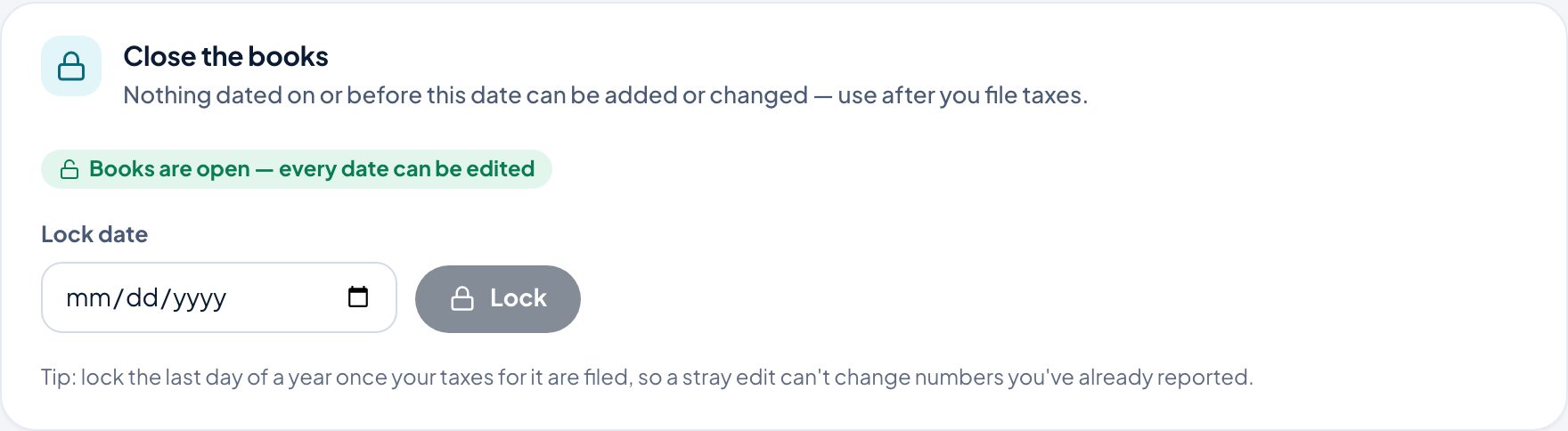
Close the books
Pick a Lock date and click Lock. Nothing dated on or before it can be added or changed. Lock the last day of a year once your taxes for it are filed, so a stray edit can’t change numbers you’ve already reported.
Appearance
System, Light or Dark. System follows your device. It’s saved on this computer.
Encryption
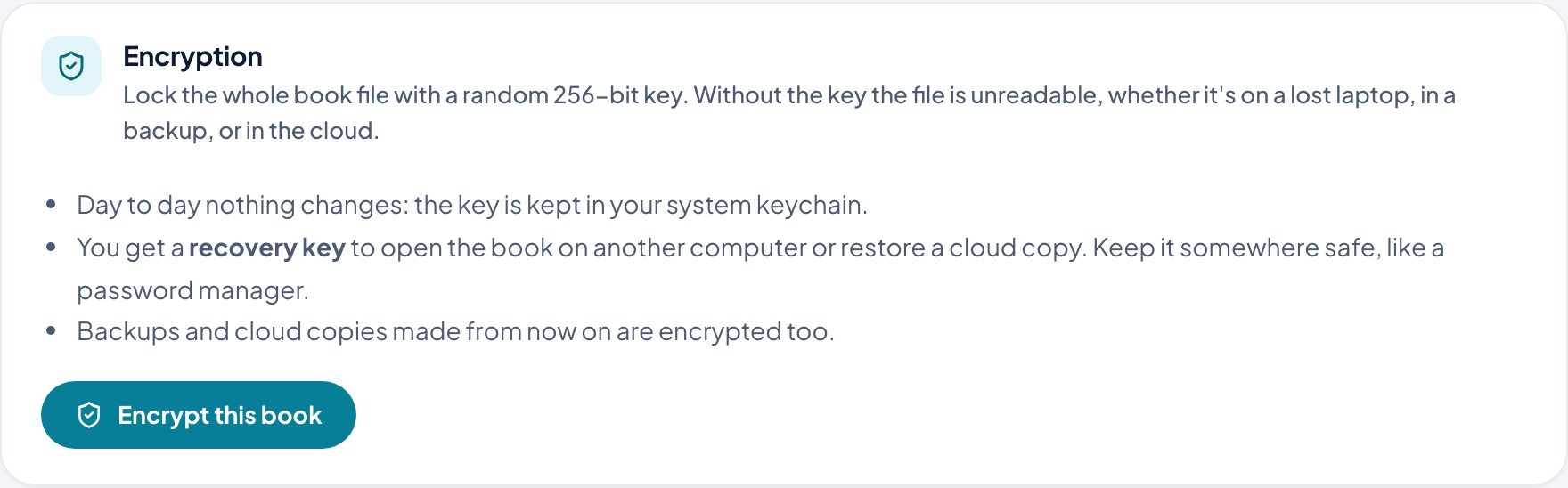
Encrypt this book locks the whole file with a random 256-bit key. Without the key the file is unreadable, whether it’s on a lost laptop, in a backup, or in the cloud.
- Day to day nothing changes: the key is kept in your system keychain.
- You get a recovery key to open the book on another computer or restore a cloud copy. Keep it somewhere safe, like a password manager.
- Backups and cloud copies made from then on are encrypted too.
Cloud copies
Keeps encrypted copies off this computer. Only encrypted books can be copied, so nothing readable ever leaves your machine. Turn on encryption first.
Backup
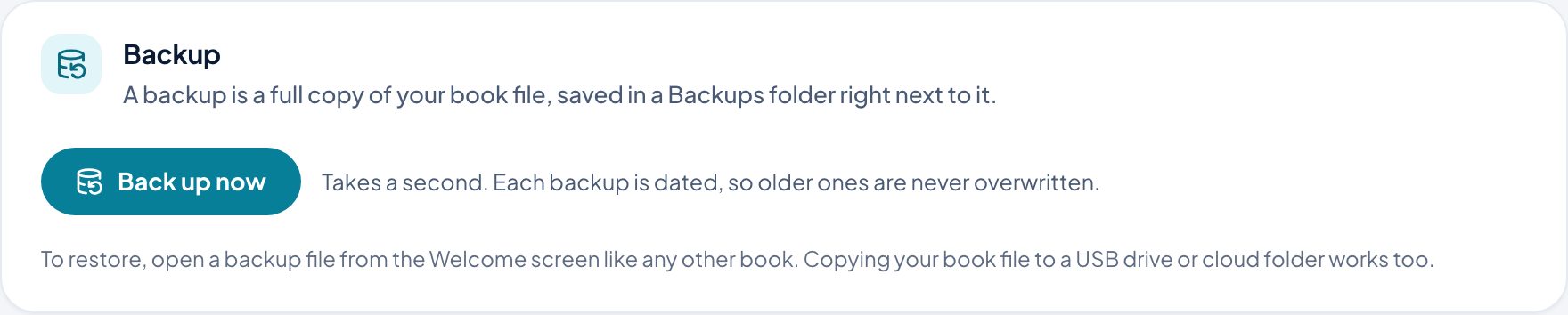
Back up now saves a full, dated copy of your book in a Backups folder next to it. Older backups are never overwritten. To restore, open a backup from the welcome screen like any other book.
Updates
Tallybook checks for new versions a few times a day. Every update is signed, and your book is backed up before it installs. Check for updates checks now.
About your data
Where your book file is. It’s a single file on your computer, and it’s yours:
- There’s no Tallybook cloud and no account to sign up for.
- No tracking. Tallybook doesn’t send analytics or usage data anywhere.
- Bank connections are opt-in.
- The book is a standard SQLite database, readable by many tools.
Delete this book closes it, disconnects its banks, removes their keys from your keychain, and moves the file to the Trash.