Help · Run the household
This month
Make a monthly plan, see what came in and went out, who it was for, and your budget score.
This month is the household budget: what came in, what went out, and whether you’re ahead. Use the arrows next to the month to look back or ahead.
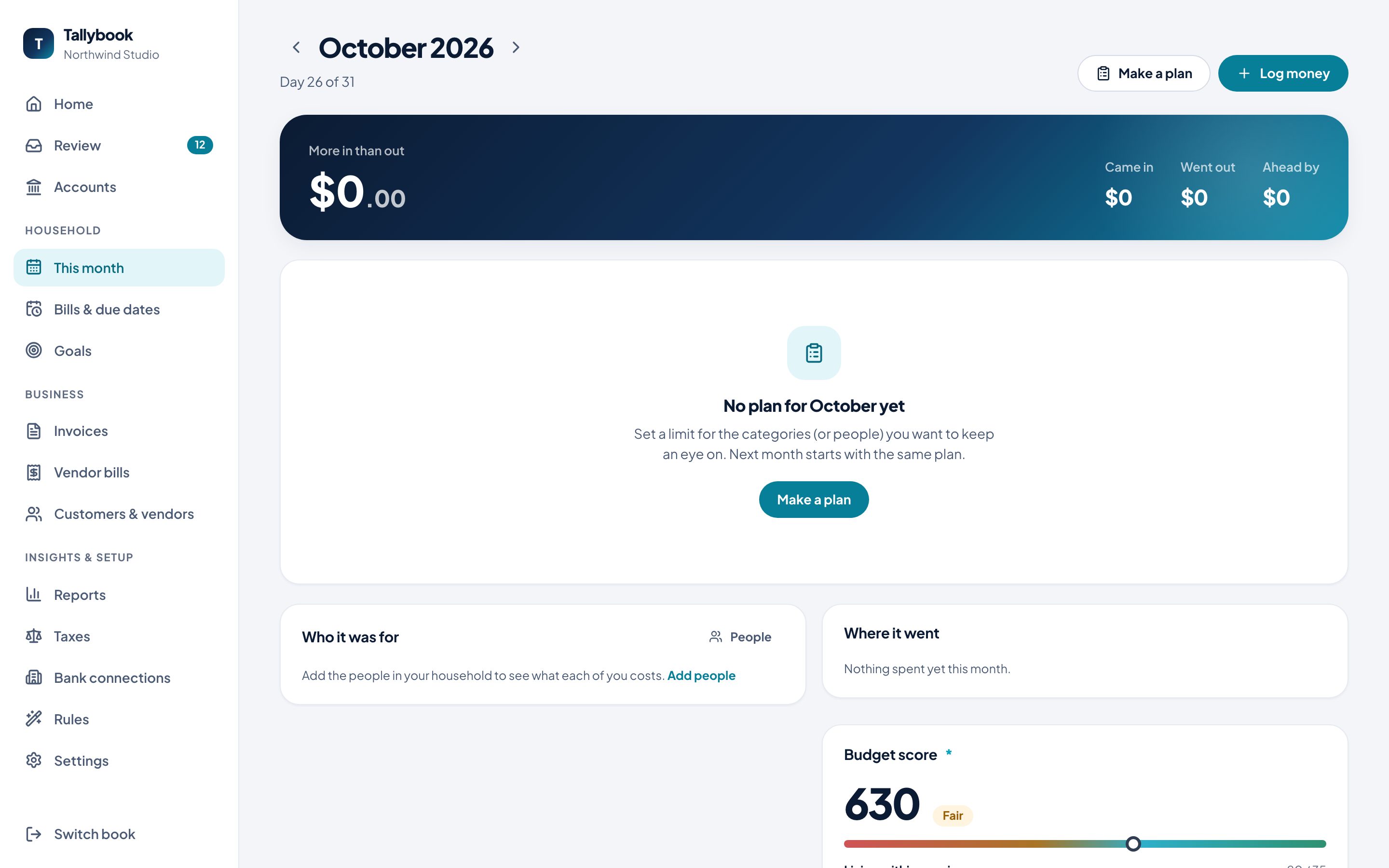
Make a plan
A plan sets a limit for the categories, or people, you want to keep an eye on. You don’t need a line for everything.
- Click Make a plan.
- Under What there is to work with this month, enter what you expect to bring in, or leave it blank if you’d rather not say.
- Add Budget lines: pick a Category or a Person, and set a limit.
- Click Save plan.
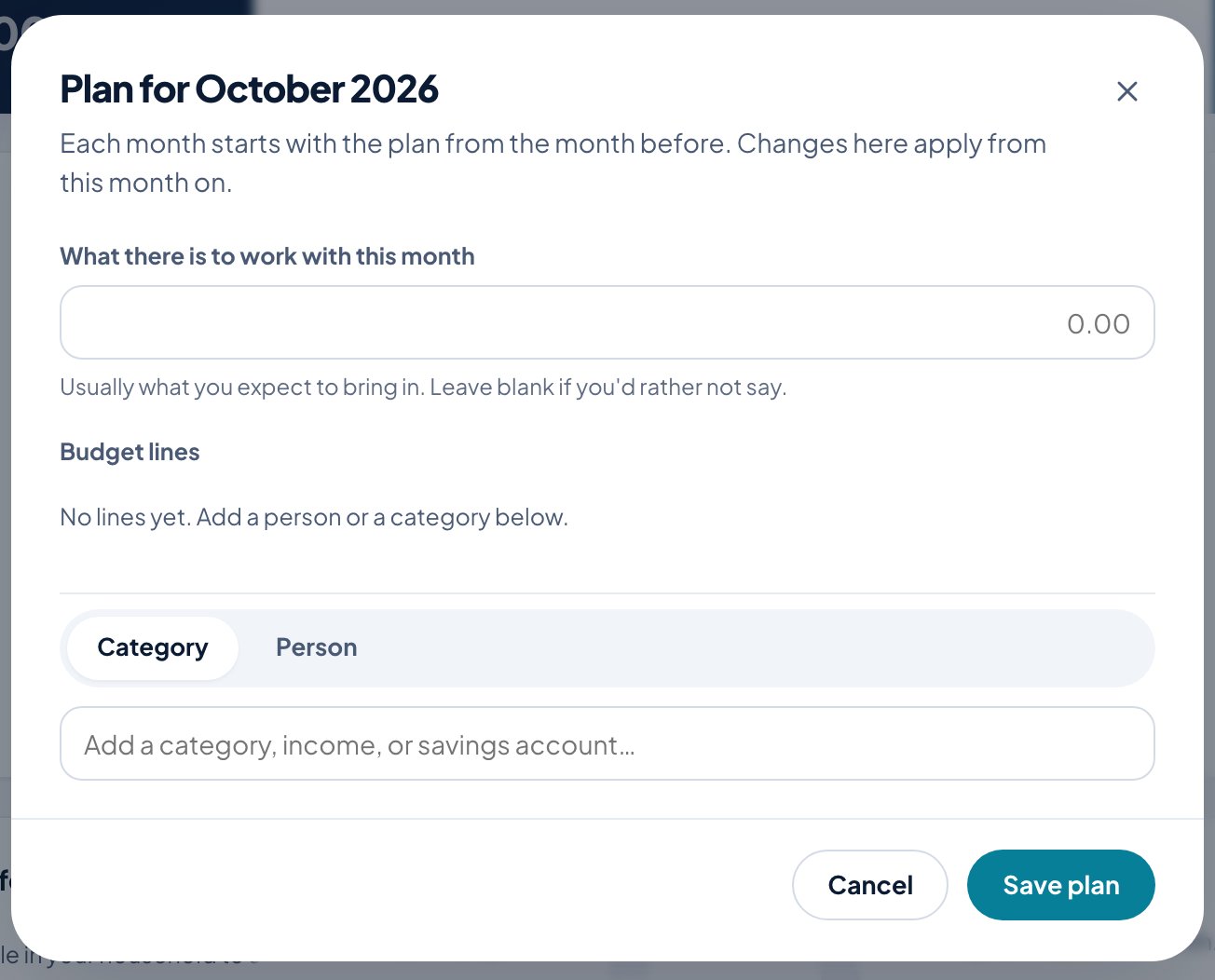
Each month starts with the plan from the month before. Changes apply from the month you’re on.
Log money
Log money is for cash and anything your bank won’t send over.
- Choose Money out, Money in or Move money.
- Enter How much? and What was it?
- Choose the account it was Paid from and When.
- Who was it for? Leave it as shared for the whole household, or pick a person.
- Add a note if you like, and click Log it.
Who the money is for
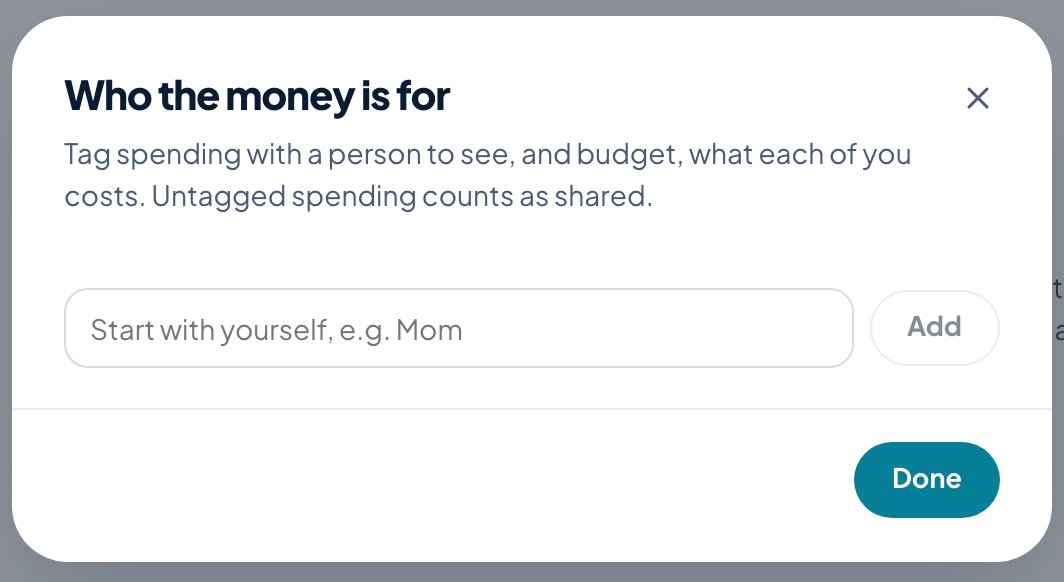
Add the people in your household under People, then tag spending with a person to see, and budget, what each of you costs. Untagged spending counts as shared.
Budget score
The Budget score sums up how the month is going, out of five parts:
| Part | Points |
|---|---|
| Living within your income | 35 |
| Bills paid on time | 25 |
| Spending to plan | 20 |
| Putting money aside | 10 |
| Steady income | 10 |
Each part says why it scored what it did, like “no plan for this month” or “not enough history yet”.